Subtitles, written for you
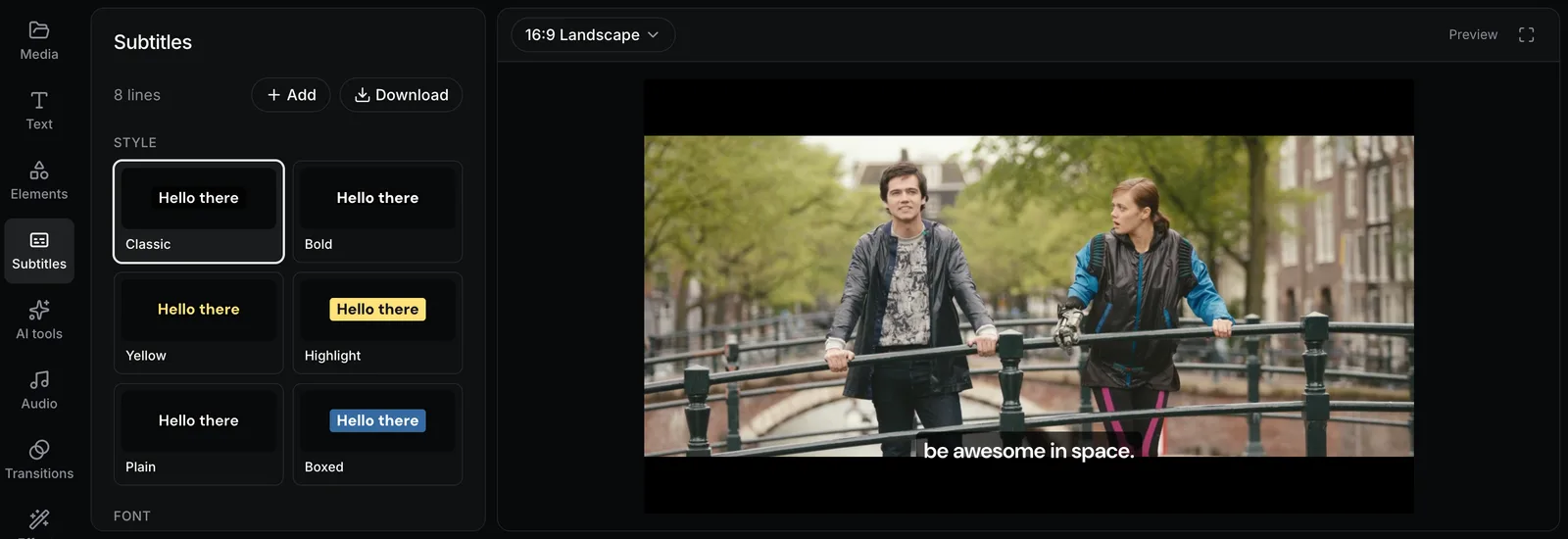
Studio listens to the speech in your video and writes subtitles timed to each word. Fix any word, then pick a style, such as Bold, Highlight, or Boxed.
How it works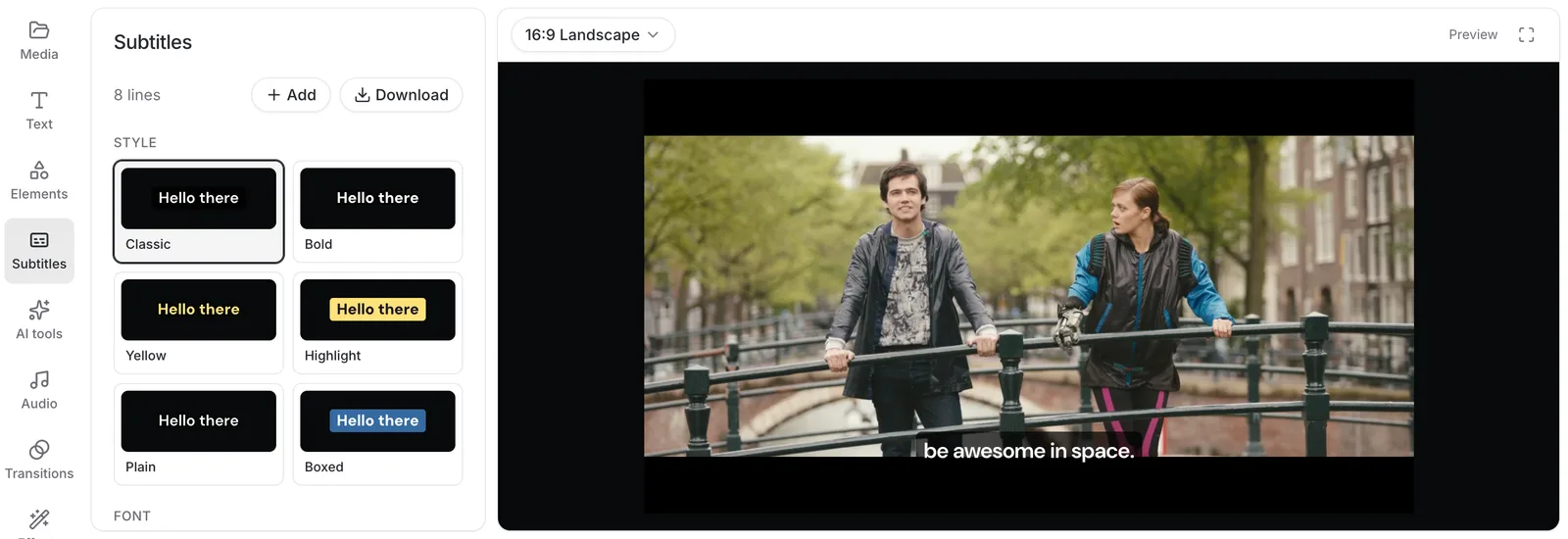
Trim, combine, and add music, text, and subtitles in one project instead of one tool at a time. Your files open straight from your computer, so there’s nothing to upload first.
No card needed. Studio runs in Chrome, Edge, or Safari on a computer.
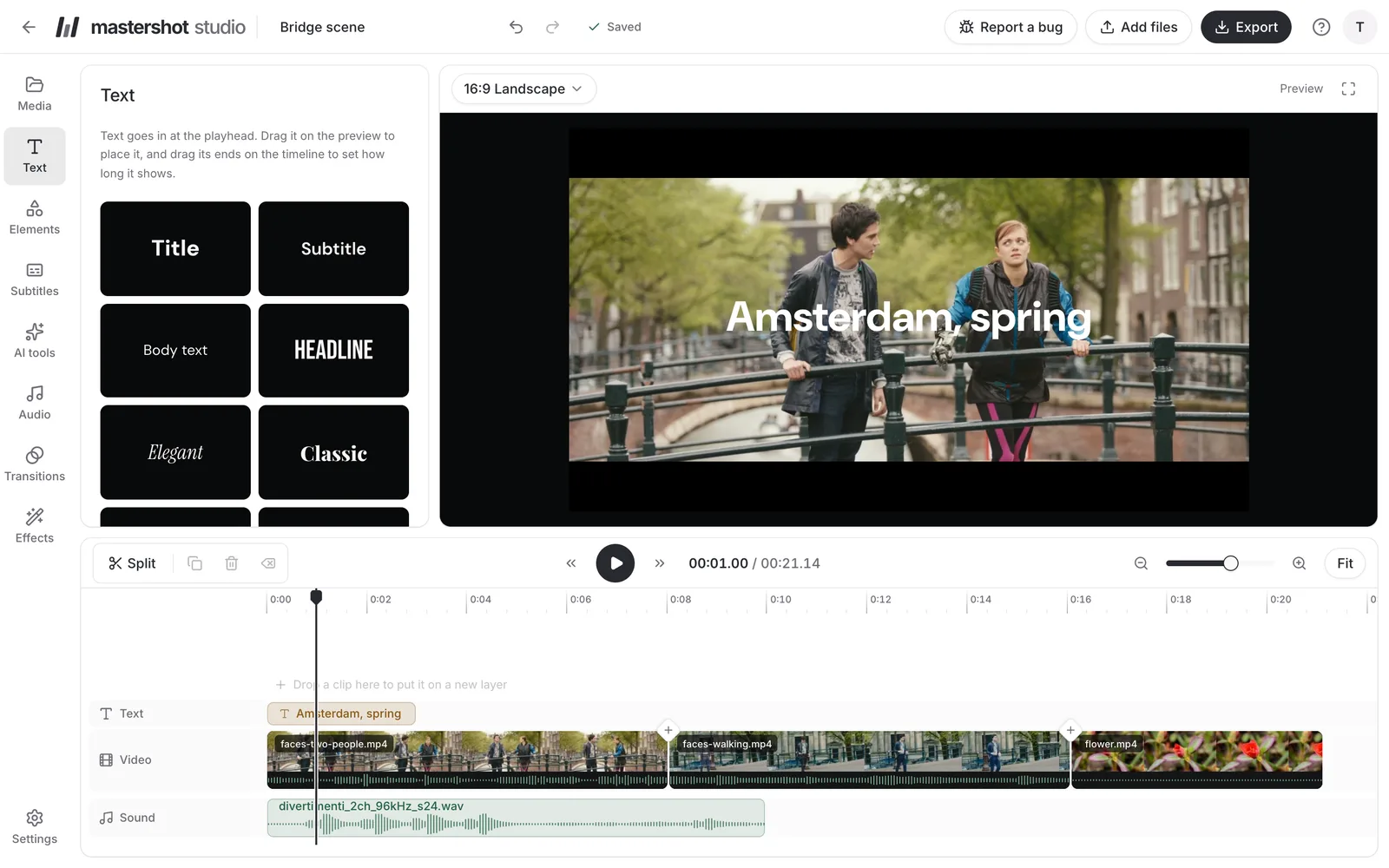
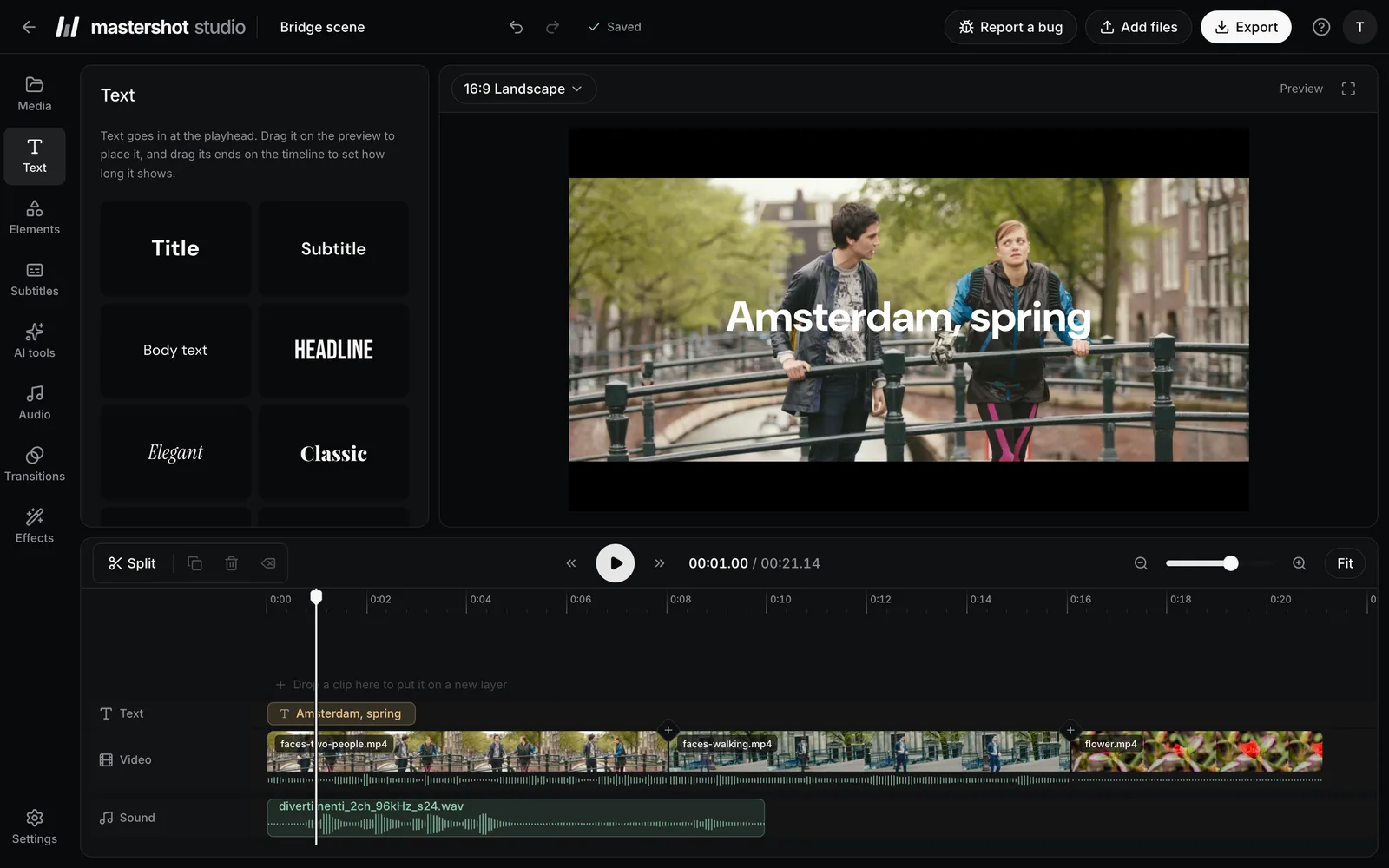
Start a project and drop in your videos, photos, and music. They open straight from your computer, so even a 2 GB video is ready right away.
Drag clips into order, trim their ends, and split them at the playhead. Text, pictures, and music go on the rows above and below.
Pick a size and click Export. You get an MP4 with no watermark, in up to 4K, made on your computer.
Every step, with screenshots, is in Studio’s help.
Online, a video often takes one site to trim the clips, another to join them, and a third to add music, downloading the video each time and losing a little quality with every save. In Studio those are steps in a single project, and the video is saved once, at the end.
They run on your computer instead of our servers, so there are no credits or minutes to run out of, and your video isn’t uploaded to use them.
Studio listens to the speech in your video and writes subtitles timed to each word. Fix any word, then pick a style, such as Bold, Highlight, or Boxed.
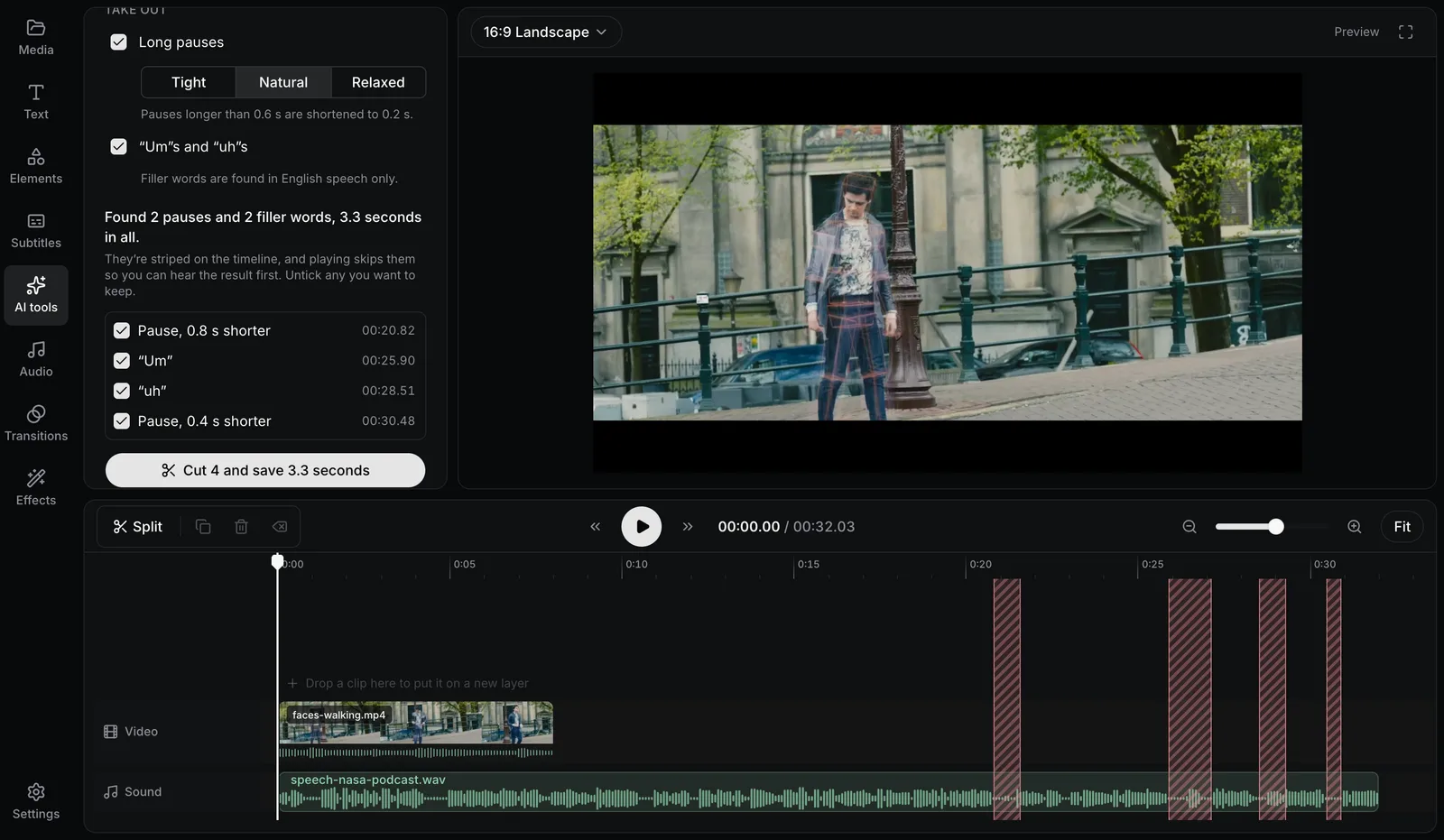
How it worksIt finds long pauses and filler words and stripes them on the timeline. Play it to hear the result first, untick anything you want to keep, and cut the rest in one go.
How it works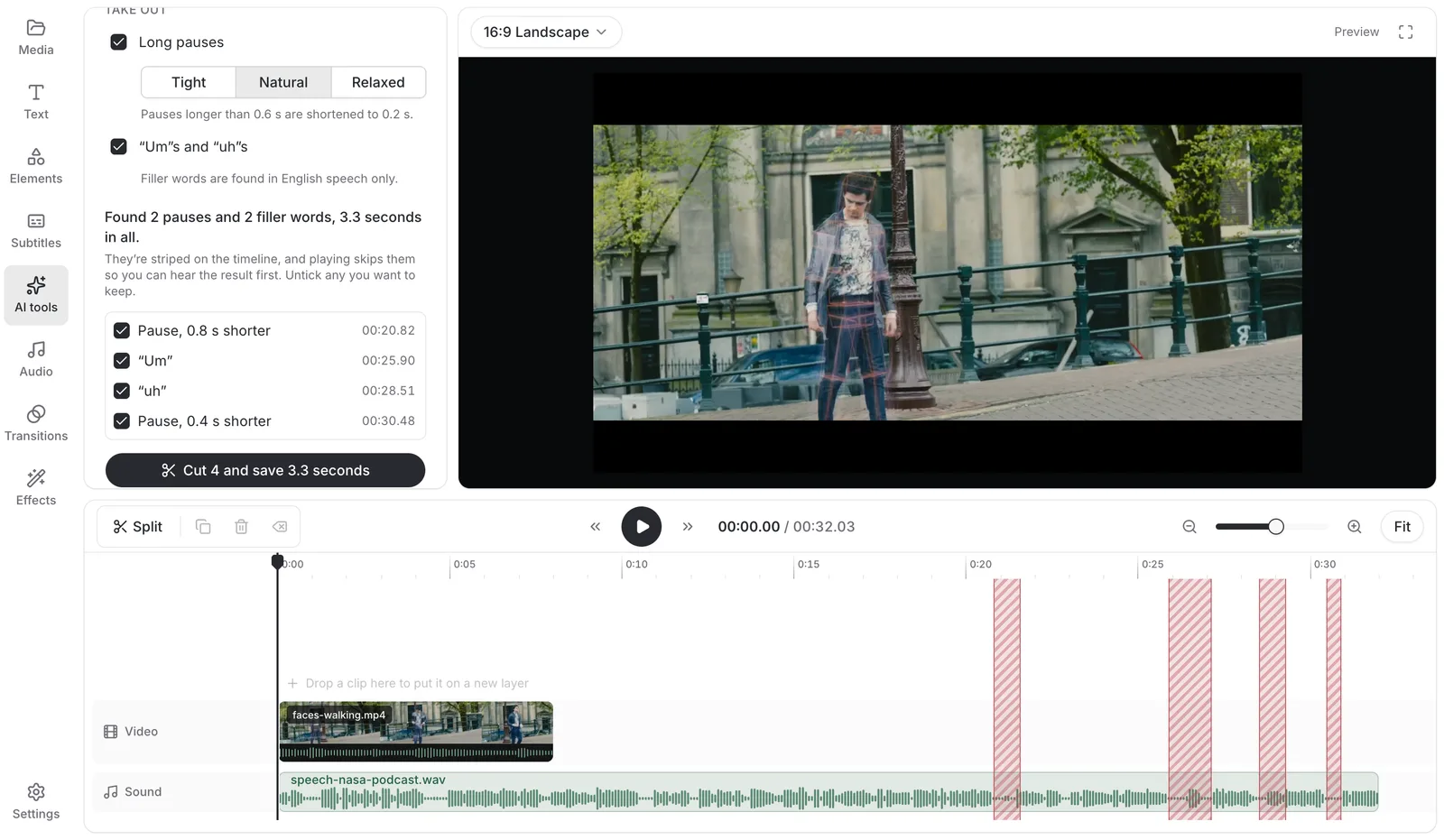
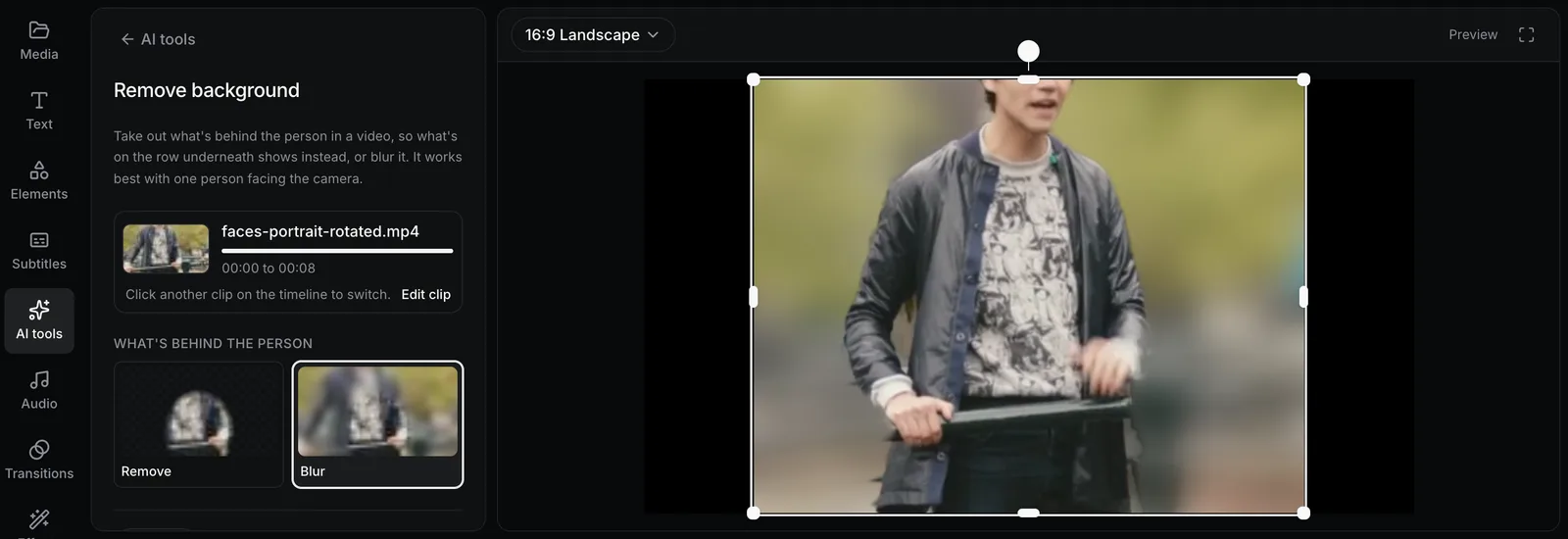
Take out what’s behind the person in a clip, so a picture or another video on the row underneath shows instead, or blur it.
How it works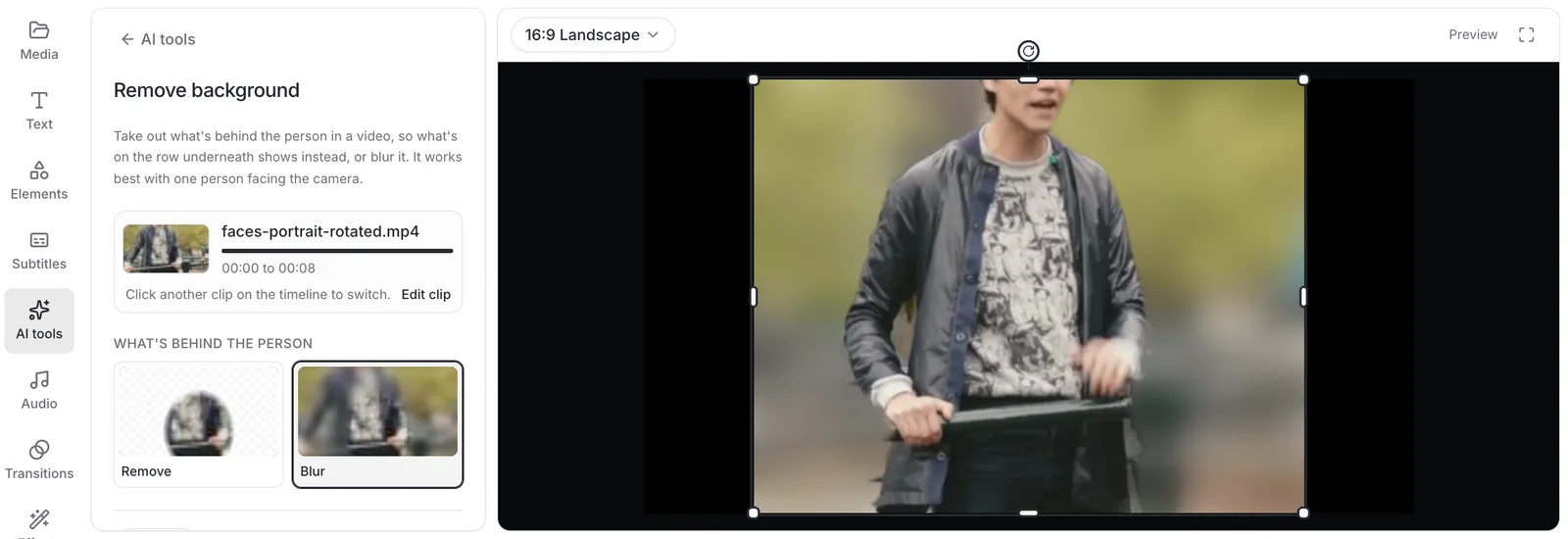
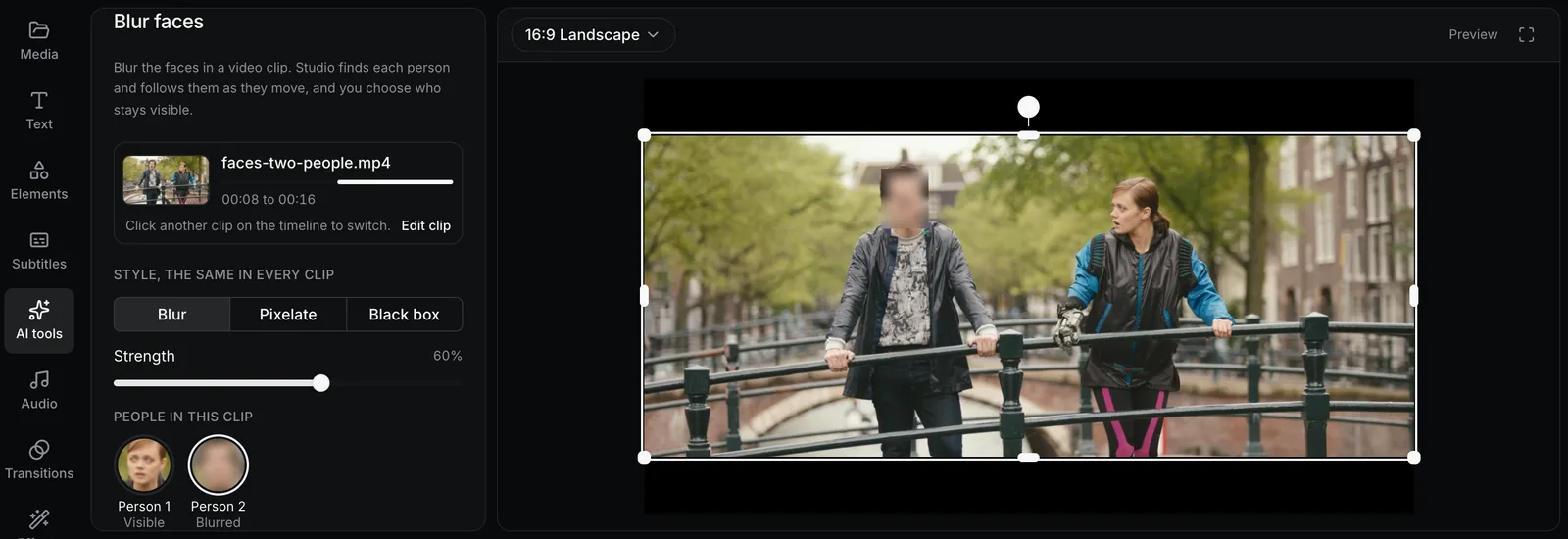
Studio finds each person and follows them as they move. Everyone’s blurred to start with; click a face to keep that person visible.
How it works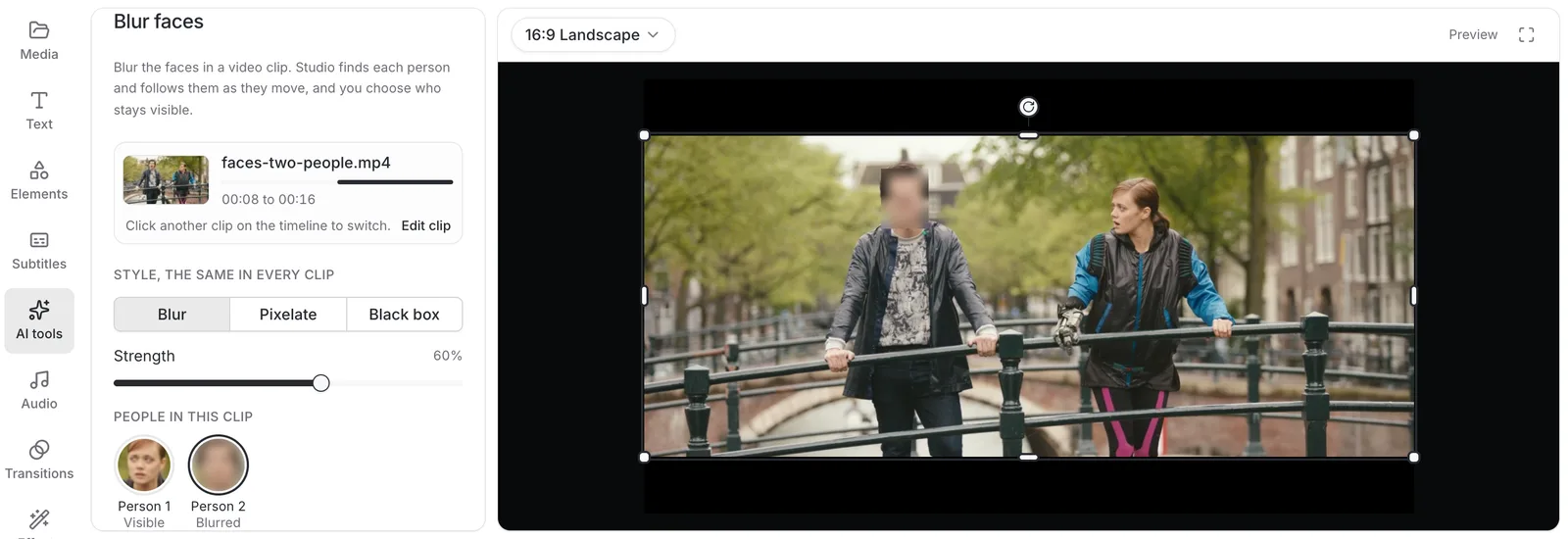
Drag a clip’s ends to trim it, or press S to split it at the playhead.
Line clips up in order, or stack them on rows for picture-in-picture.
Play a clip at a quarter to four times its speed, hold a frame, or play it backwards.
Pick a font and colors, drag it into place, and animate it in and out.
Crossfade, slide, wipe, zoom, and four more between any two clips.
Start from a preset look, then adjust the brightness, contrast, and warmth.
Move slowly across a photo, or zoom into part of a screen and back out.
Put a song on its own row, set its volume, and fade it in and out.
Talk over your video as it plays, and the recording lands where you spoke.
Take the hum and background noise out from under someone talking.
Switch to 9:16 for TikTok, Reels, and Shorts, 16:9 for YouTube, or square.
Keep the part you want, or turn a sideways phone video the right way up.
Other online editors put a watermark on free exports, or let you edit and then ask you to pay when you click Export. In Studio, the whole editor, 4K exports, and the AI tools are free. Pro keeps your files in your account, 100 GB of them: your projects open on any computer, and your screen recordings get a link to share.
$0for good
Everything you need to make the video, for everyone.
$70$84a year
That's $5.83 a month, with 2 months free.
Payments go through Polar, who adds sales tax where it applies.
Choosing between editors? See how Studio compares with CapCut, VEED, Clipchamp, Kapwing, Clideo, or Premiere Rush.
Sign in with Google or an email address, then add your videos. The editor is free, and nothing you export has a watermark.
No card needed. Studio runs in Chrome, Edge, or Safari on a computer.